

Scope
In principal the webapp has a similar journey to the main aryve indoor navigation app, with a few differences due to the difference in the technologies used in the backend.
The web app is aimed as a quick indoor positioning and direction solution and as an entry to the more feature rich Unity app.
The app runs on the web on Android in Chrome and on iOS as an App Clip.
App workflow
Permissions
After starting the app in your browser/as app clip, ensure you firstly accept the camera access request, which without we cannot provide a positioning solution.
Location Selection
Here the user has to select the Location he wants to be navigated through.
If GPS is activated the app tries to preselect a Location for the user. For that to happen there must be a single Location in a 500m range. You then has a 3 seconds timespan to decline the preselected location, otherwise it starts automatically.
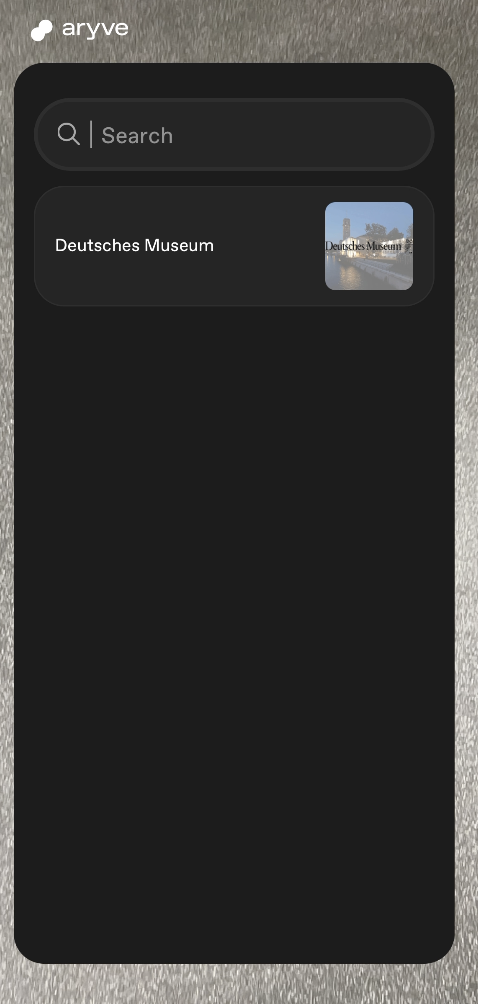
Destination Selection
Once the Location has been selected, a full screen 2D map display of all the floors of the Location with the available POIs (Points of Interest) marked on the map is shown.
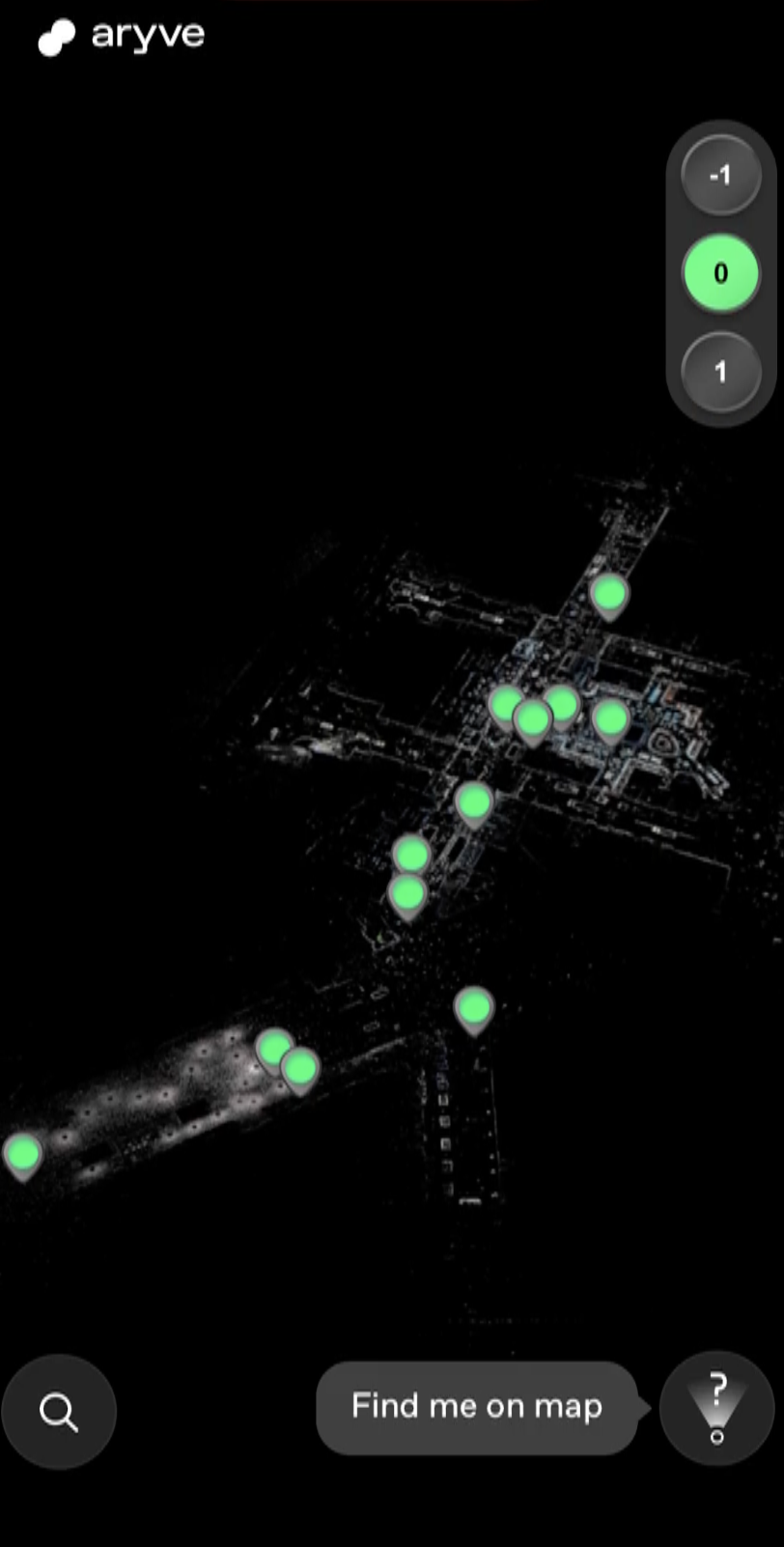
You can switch through the floors and look for a POI to navigate through.
You can zoom in/out, drag and rotate the map by finger gestures to explore the map.
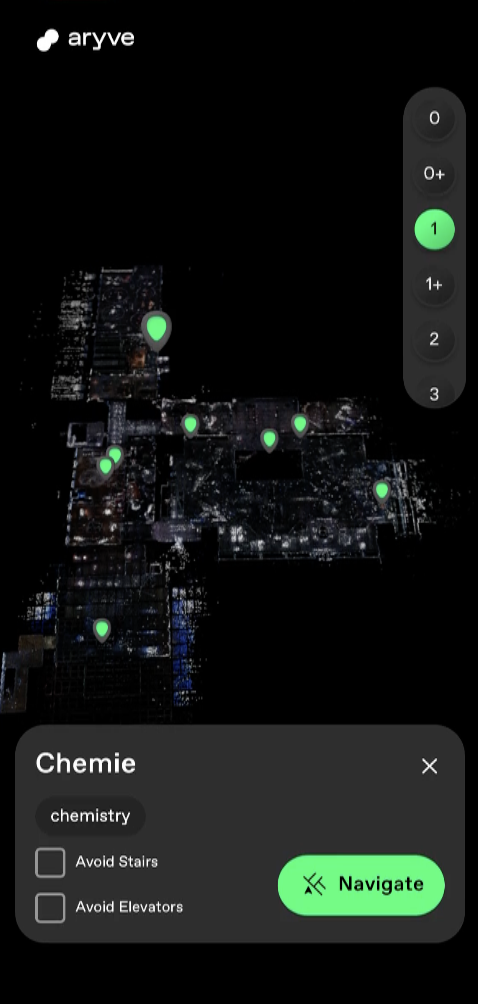
To select a destination, click on the icon on the map or use the search function displayed and then press the Navigate button to trigger the navigation.
Localization
You can click on the 'Find me' button at the bottom right side of the screen and a localization will show. After a correct localization happens, you will see your position on the map and can continue from there to select a destination.
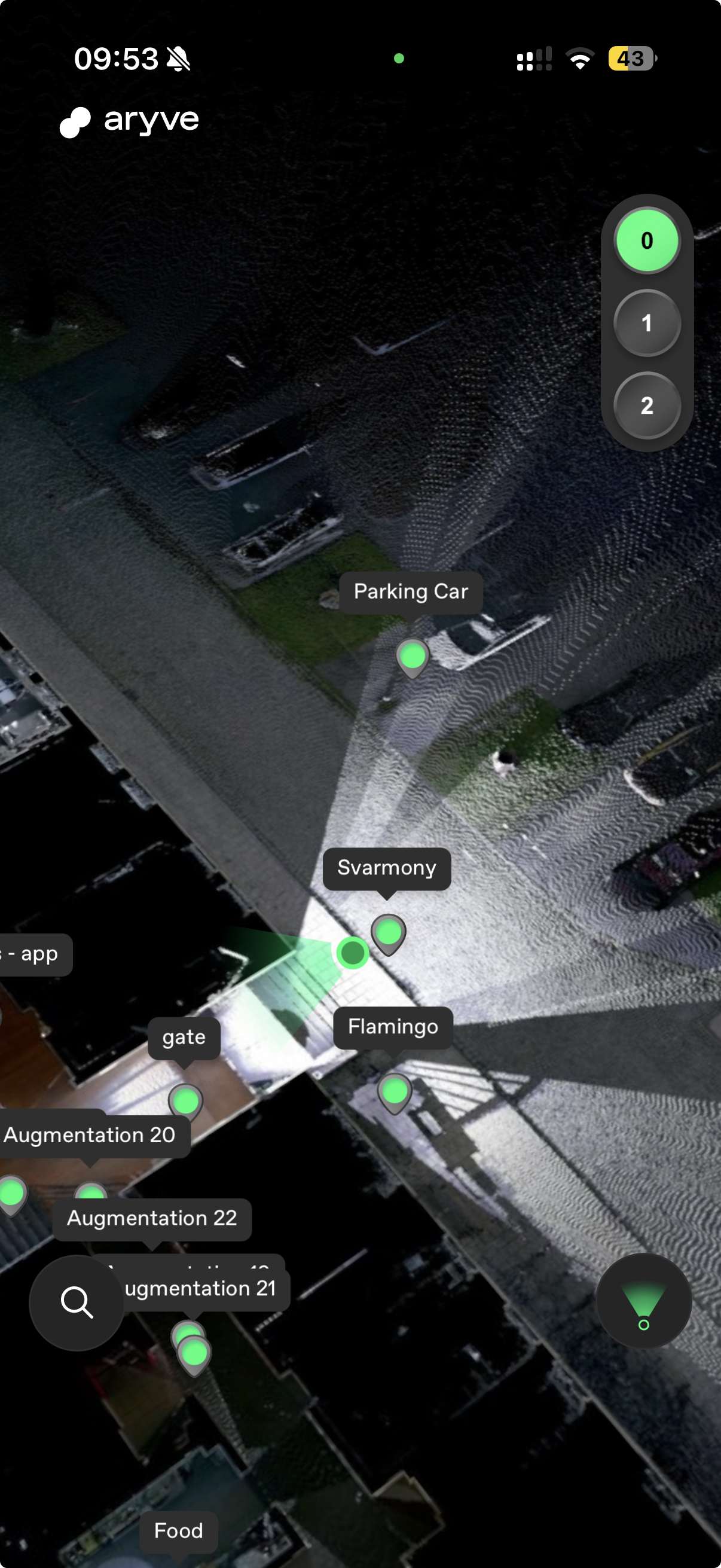
Alternatively, when a destination has been selected, you can click on Navigate and the localization screen will show to help find the position of the device in the space.
Point the phone up at your environment and wait for your position to be established.
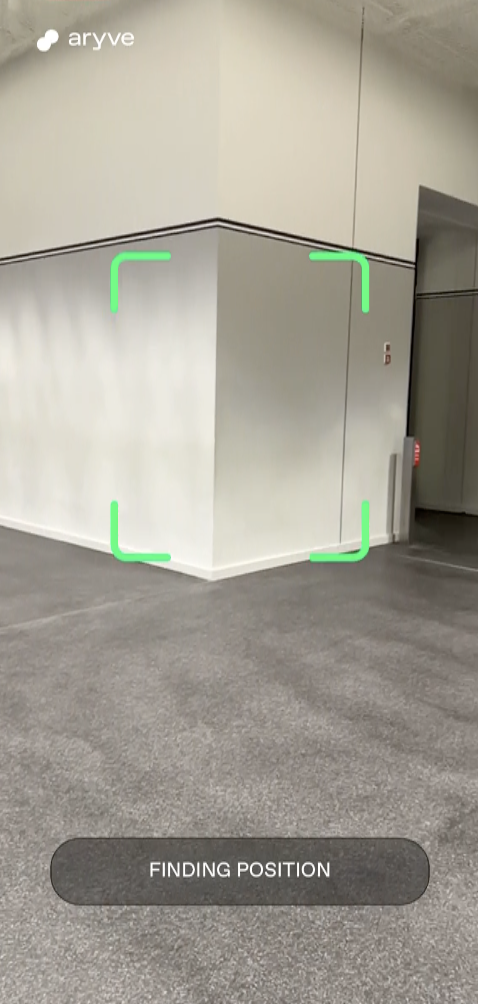
If the localization fails the first time, move in your environment for the camera to catch more unique visual elements.
Navigation
Once your position has been established, now you can follow the on screen instructions on the minimap at the bottom of the screen or follow the 3D waypoints on the camera view.
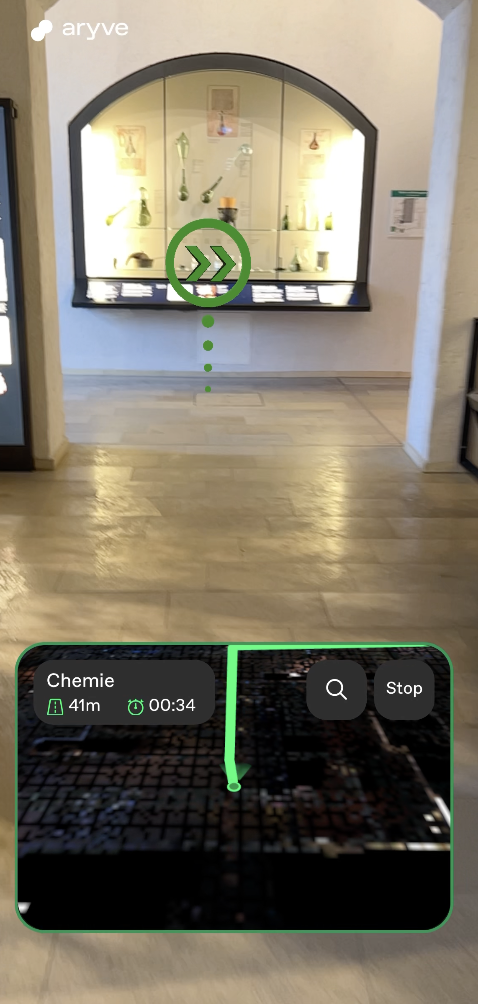
As we need to keep on updating your position as you move in the environment for a more accurate user experience, make sure you keep the phone in an upright position at all times or at every few meters (the app will also indicate you when to do so).
Destination reached
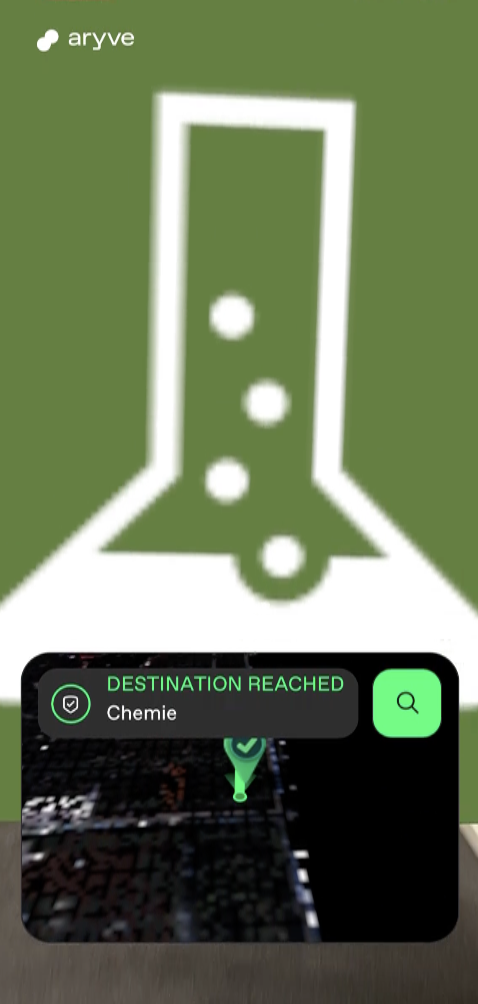
Once the destination is reached, you can visualize the AR POI or choose another destination point.
FAQ
How to install the app?
In order to access the web app, please scan the following QR code on your chosen device that you want to try the aryve web app experience on:

What devices is the app available on?
The application runs on:
- Android: devices with Android 9 or above
- iOS: devices with a minimum of iOS 18, meaning iPhone XS or above and newer tablets