

Scope
The aryve Guide, indoor navigation mobile app, is a Unity native application that can localise the user in a indoor space, using the camera of the device it is open on, and help them navigate from point A to B using augmented reality.
The app runs on both iOS and Android devices and it is available on both phone and tablet.
App workflow
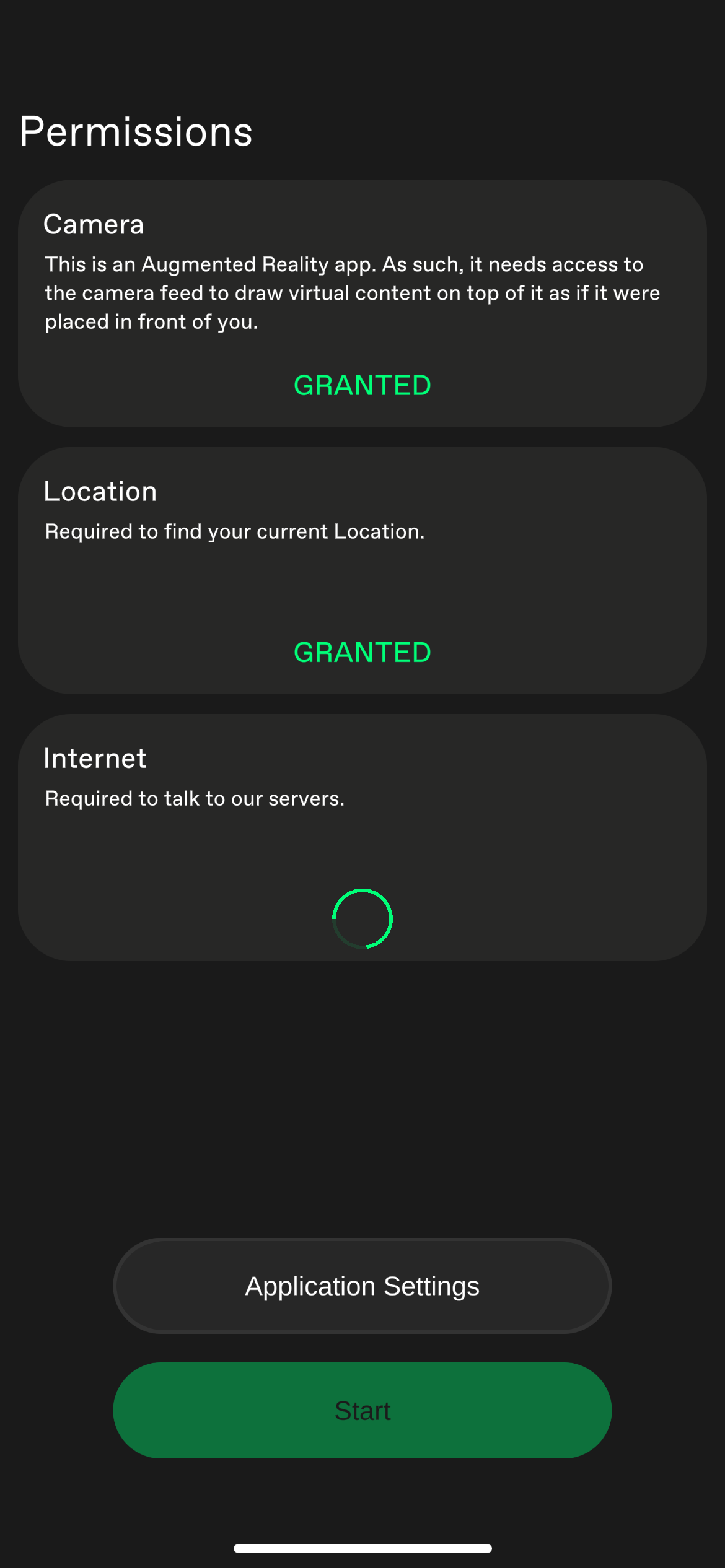
Permissions
On start the app checks if all necessary permissions are given. This is manly the camera and if the app is allowed to connect to the internet (mandatory for the service to be provided).
It also checks if using the GPS Location is allowed. That’s not mandatory as the app also works without being able to preselect a Location later.
Location Selection
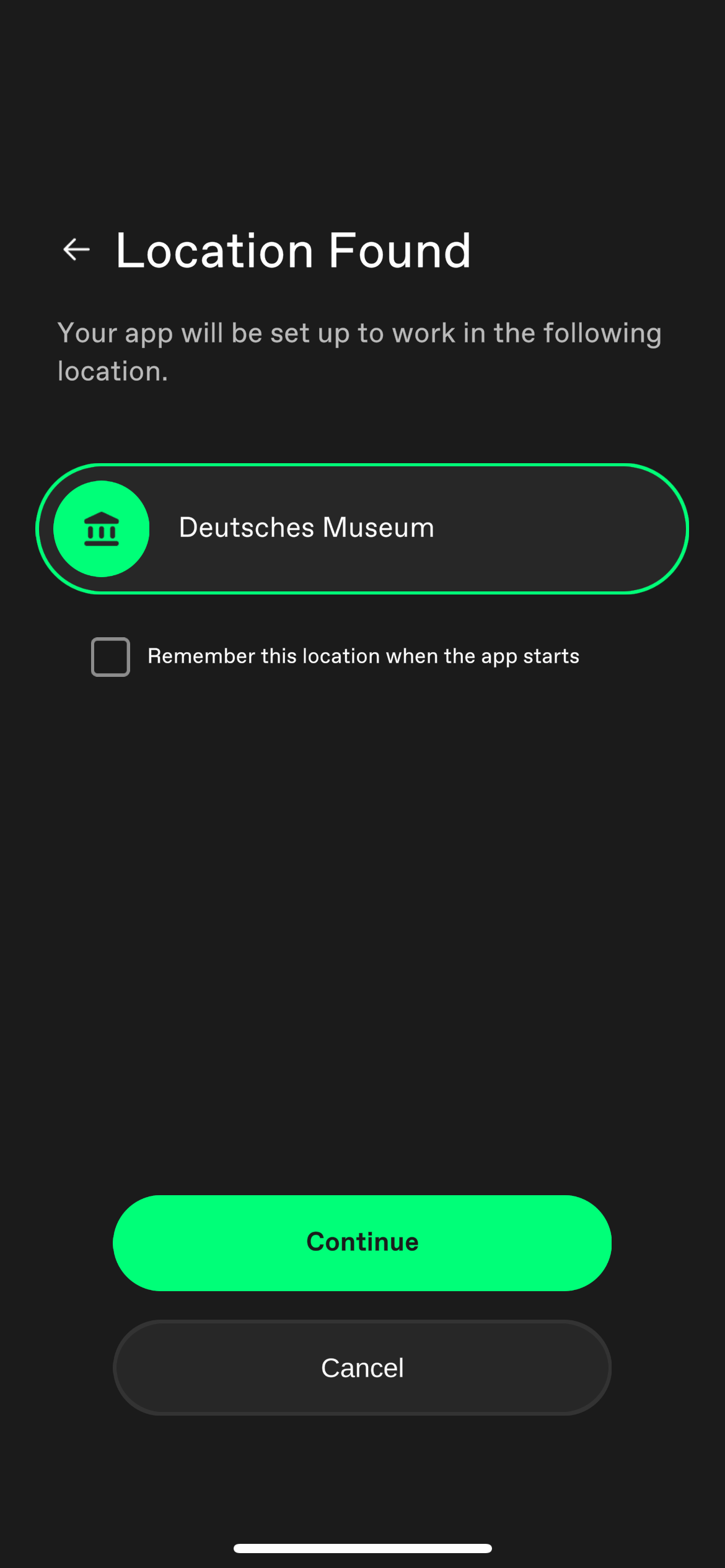
Here you have to select the Location you want to be navigated through.
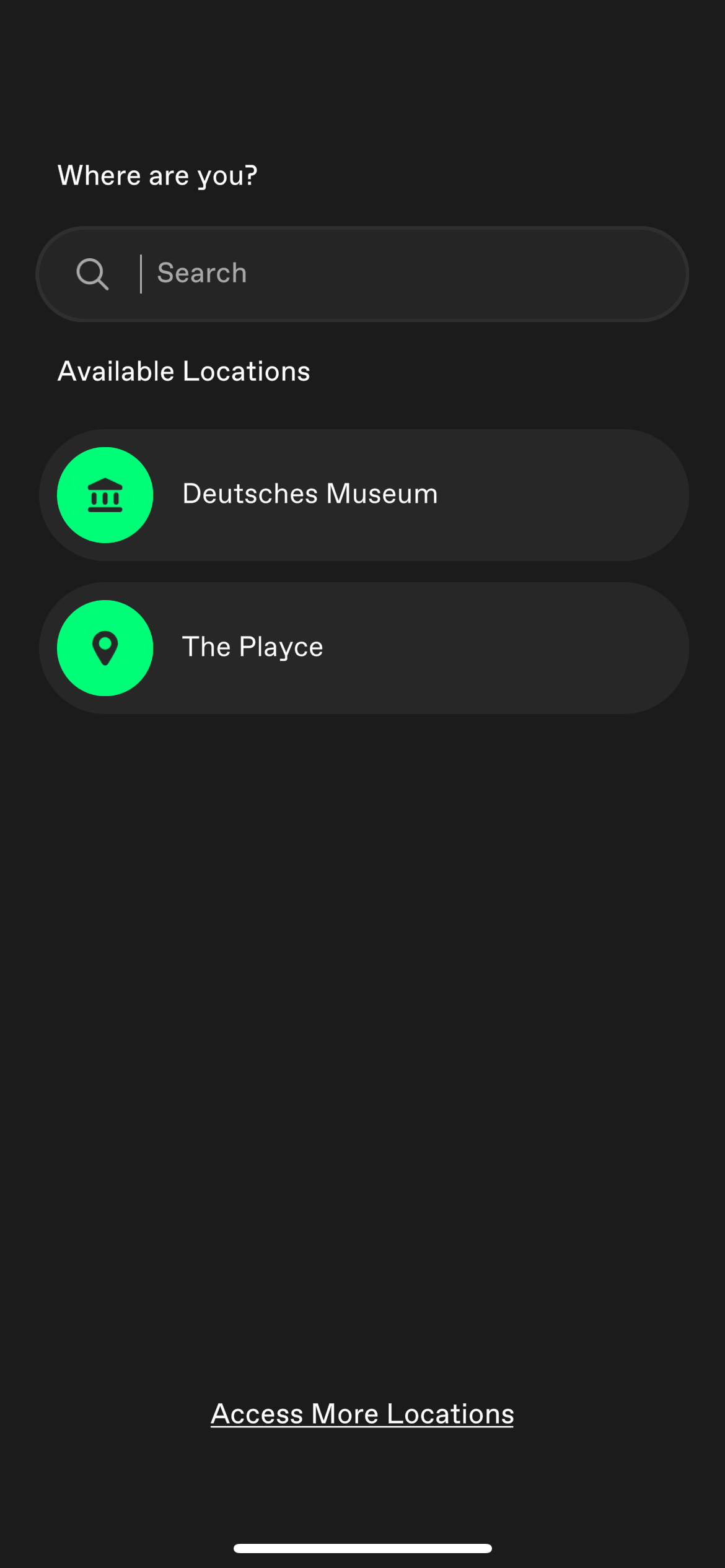
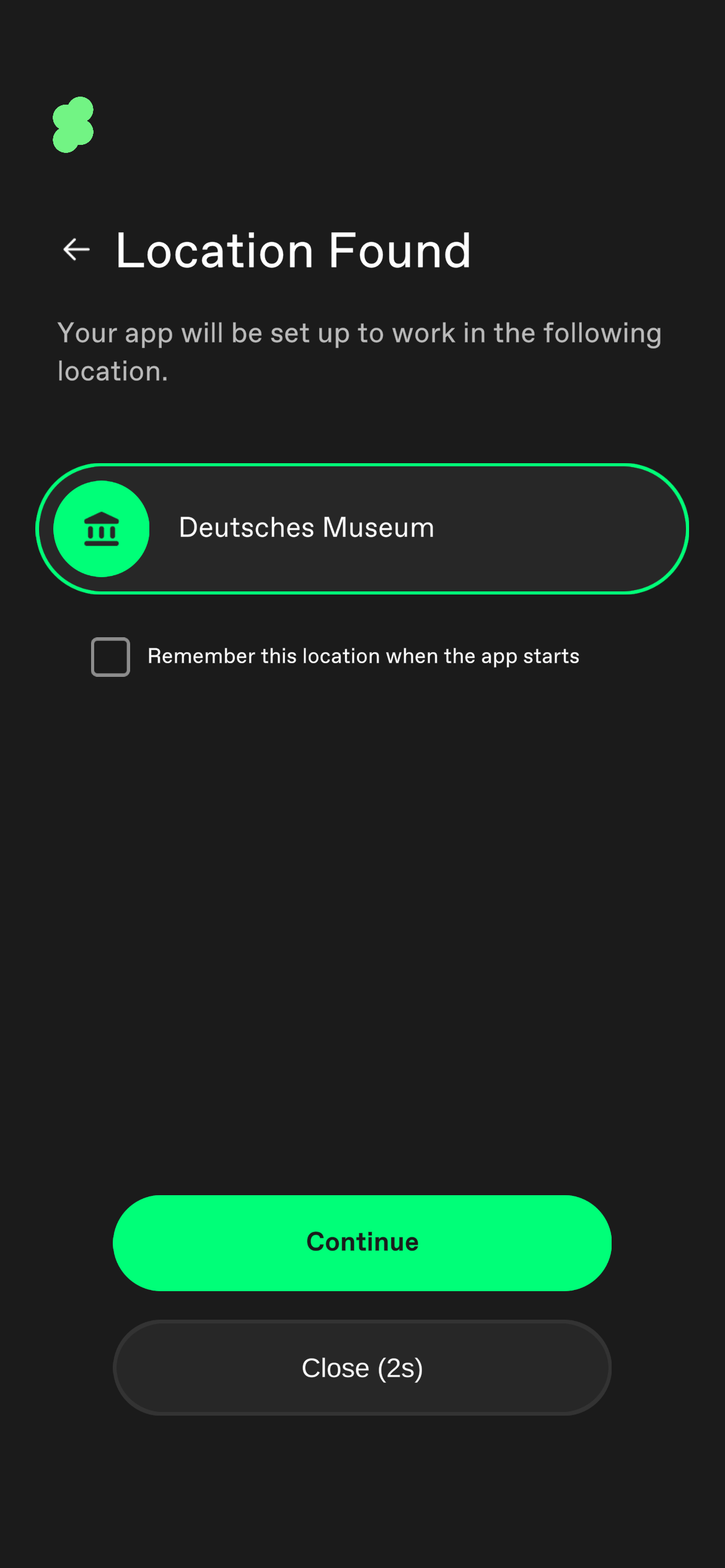
If GPS is activated the app tries to preselect a Location for you. For that to happen there must be a single Location in a 500m range. You then have a 3 seconds timespan to decline the preselected Location, otherwise it starts automatically.
Private Location
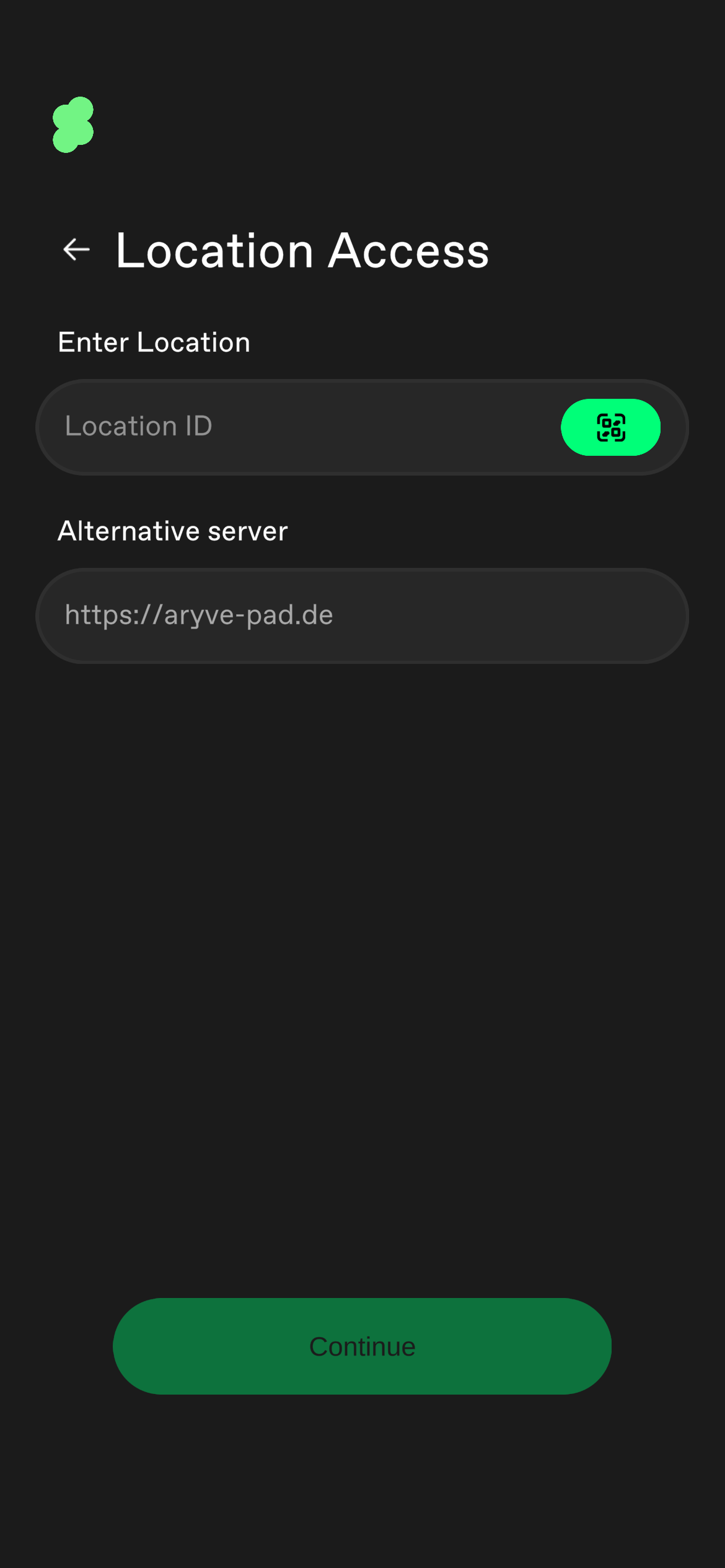
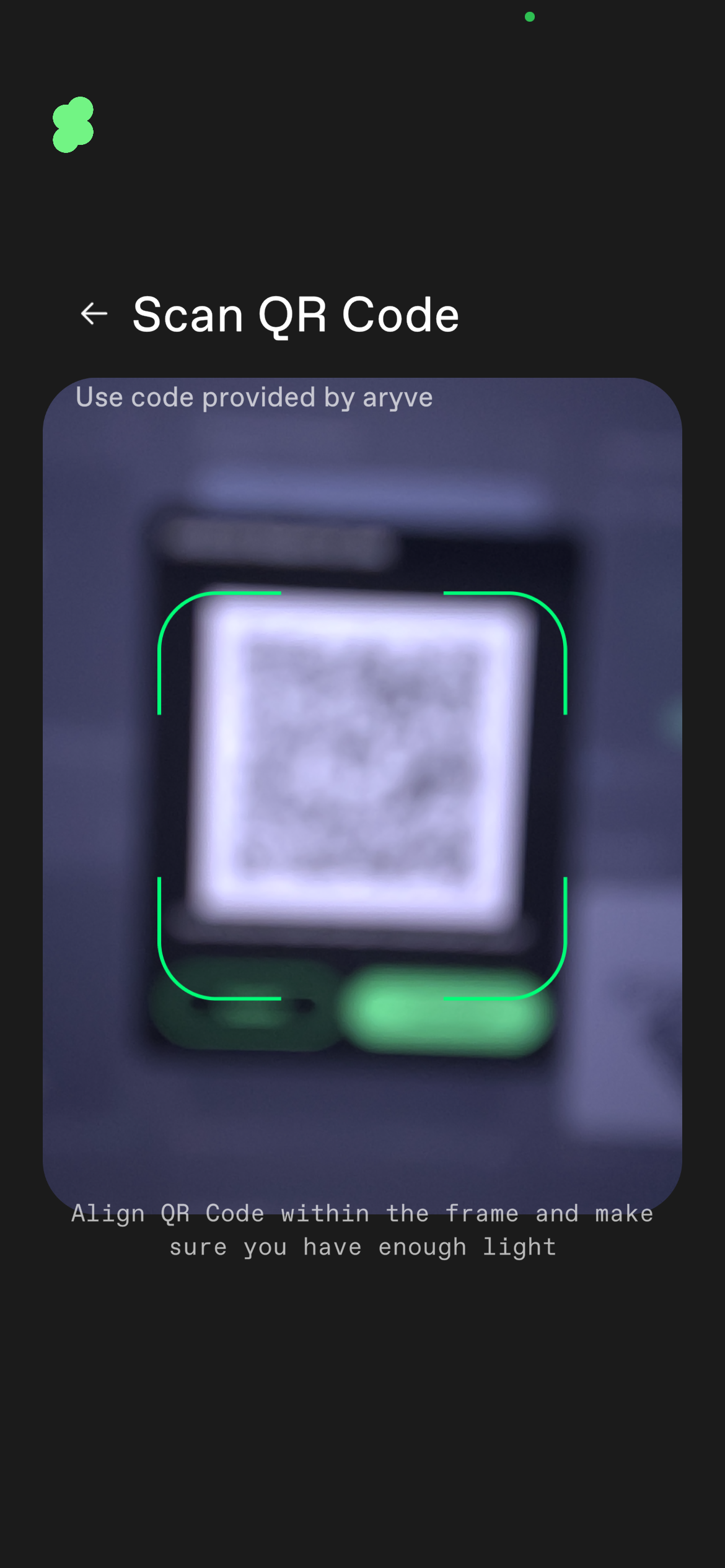
There is also the possibility to manually put in a Location ID or to scan a QR code. Doing so allows to also access private location, that are not visible in the list of locations.
Or you can add an alternative server endpoint to use the locations from, this is an option for on-premise servers.
 |  |  |
|---|
Tutorial and privacy policy
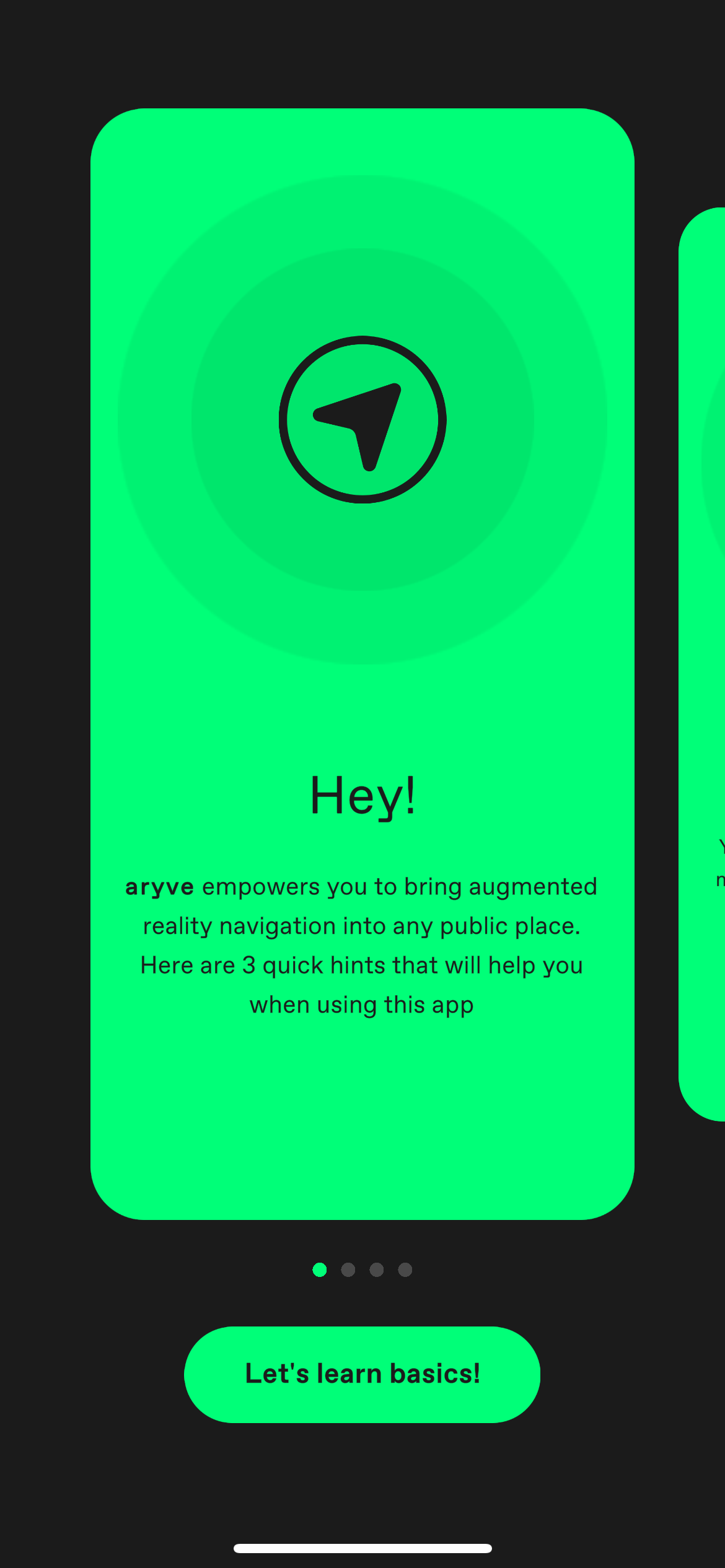
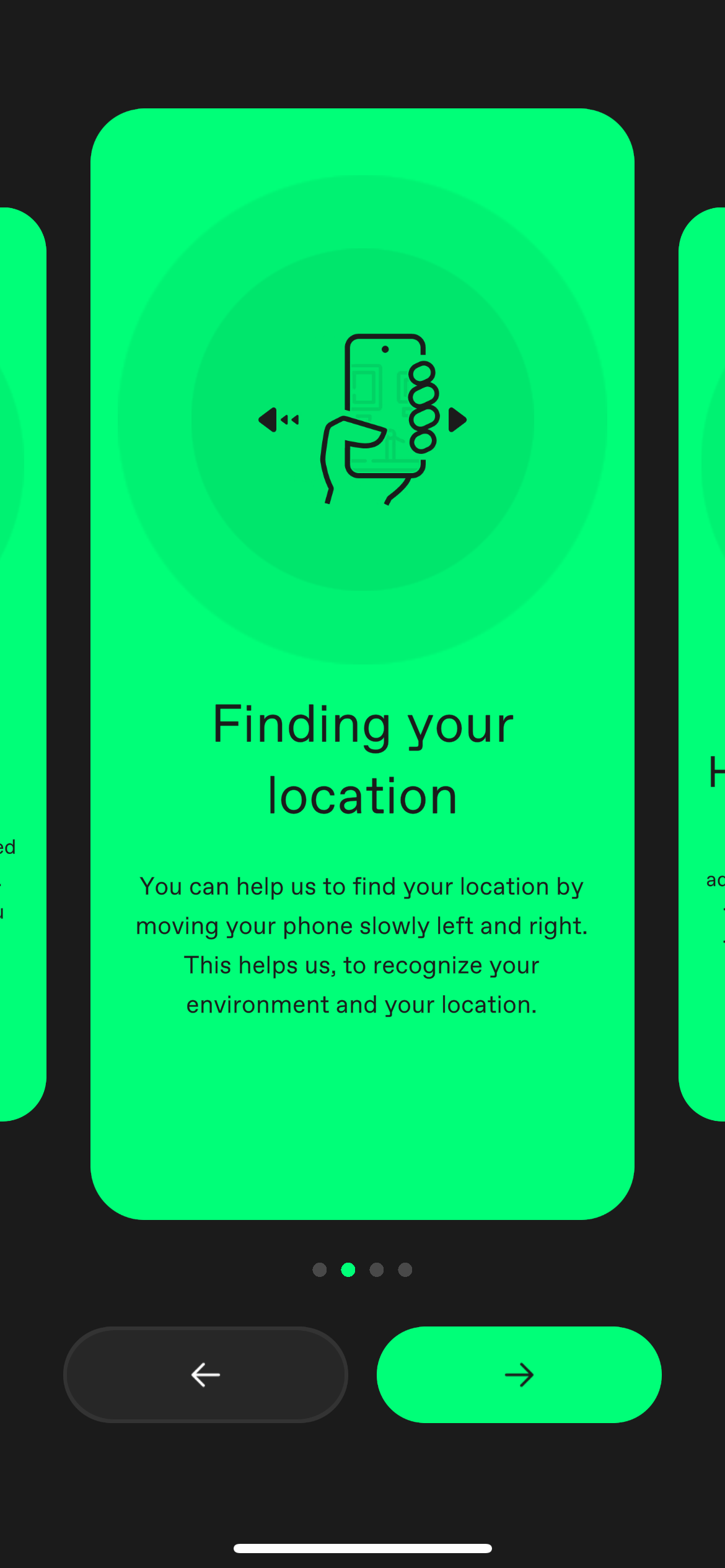
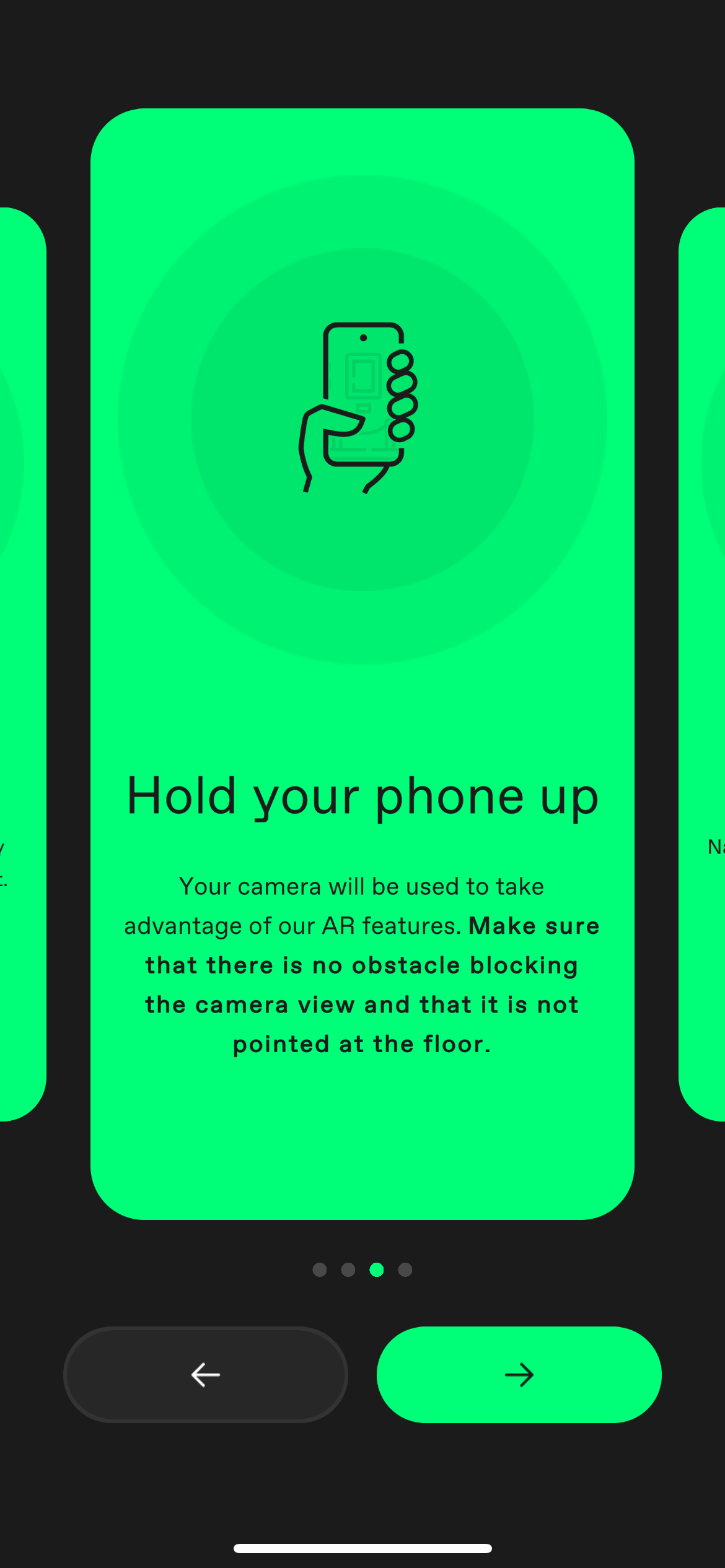
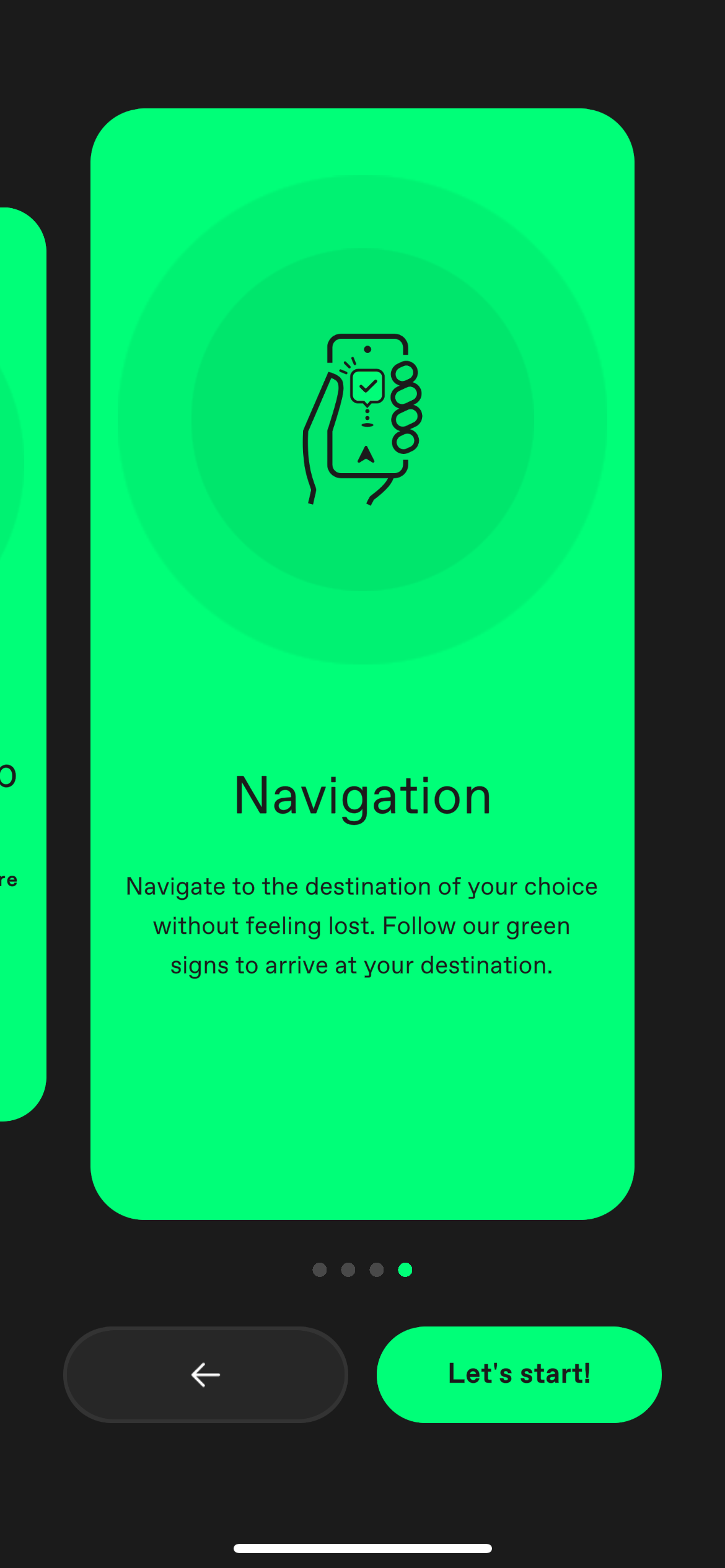
At the first start of the app you have to watch the tutorial in order to go on, which will teach you the basics of how to use the app.
 |  |  |  |
|---|
This is followed by our privacy policy information.
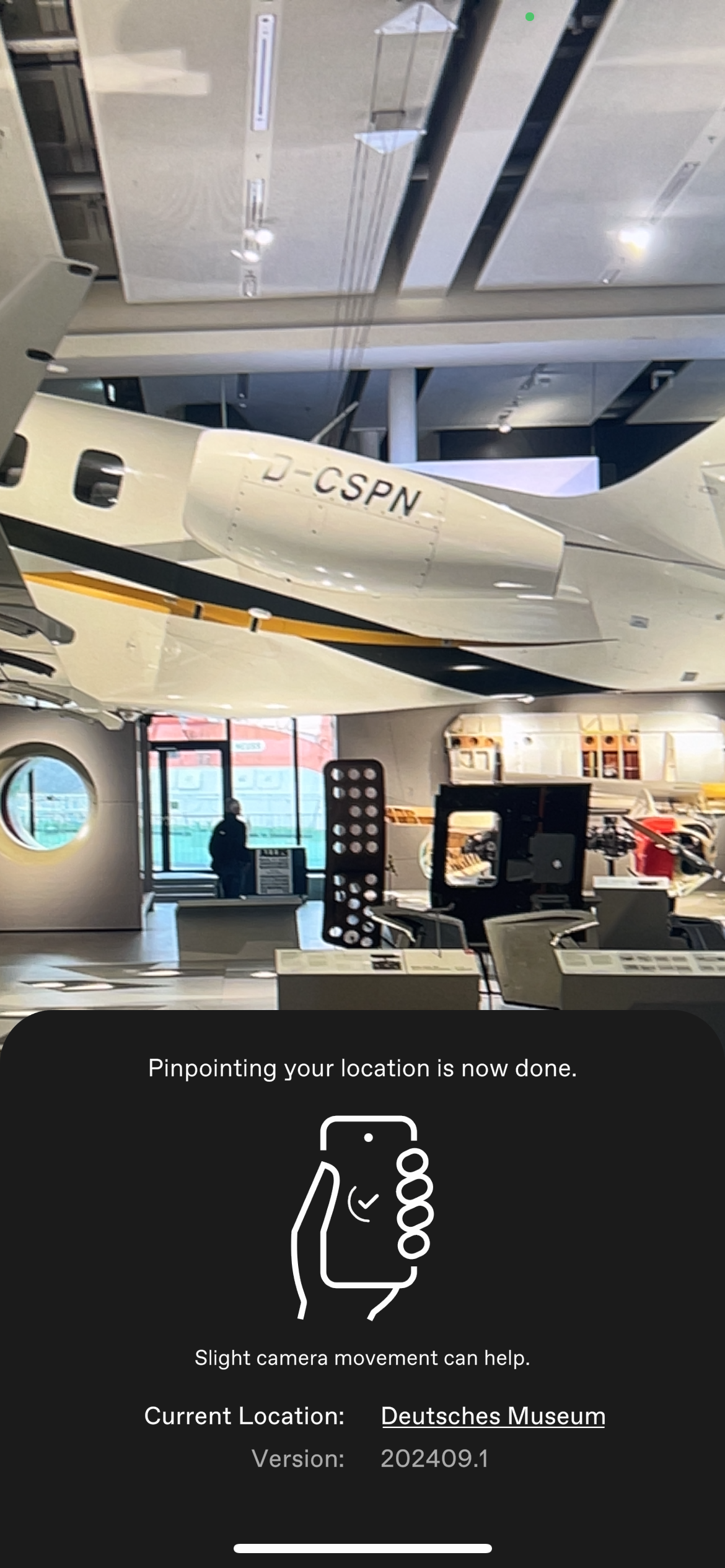
Finding the device position in the space
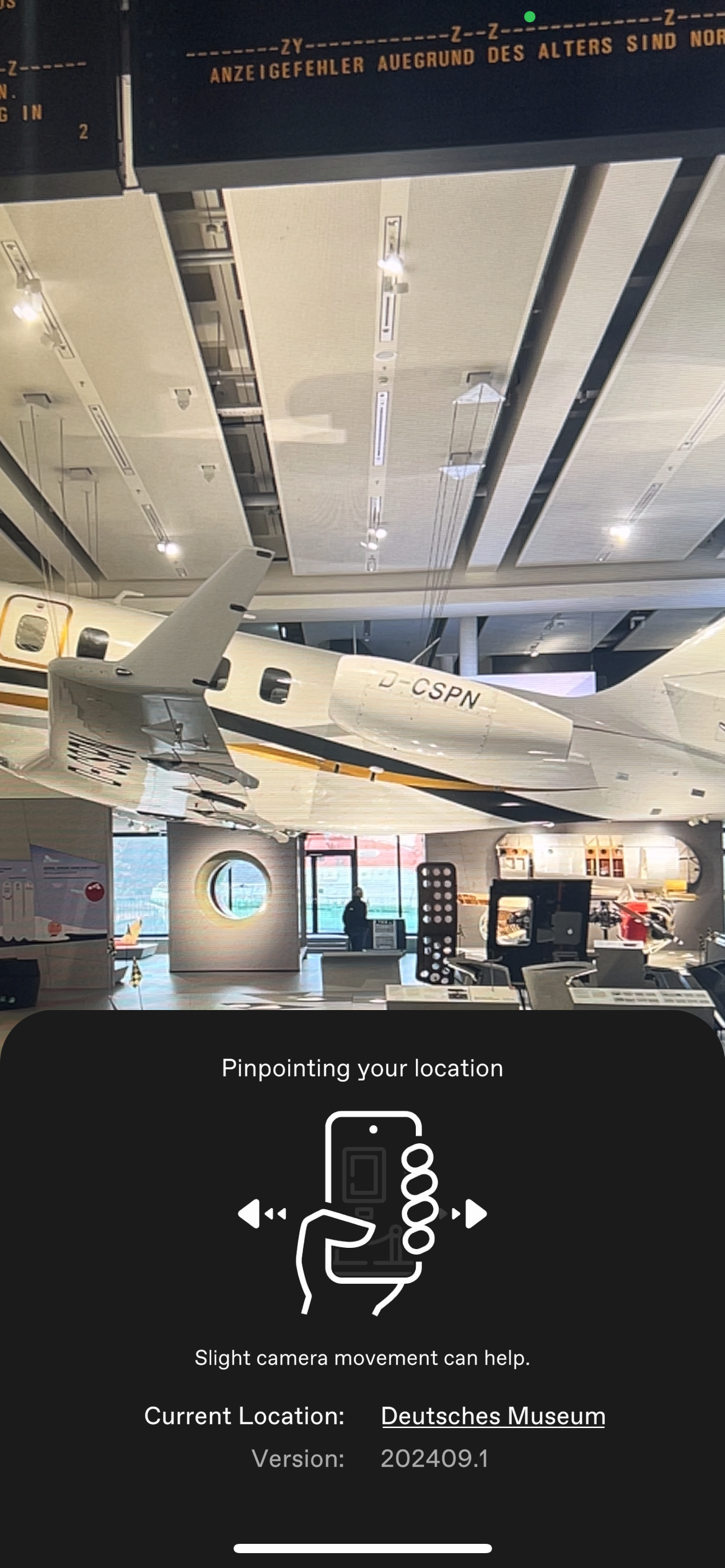
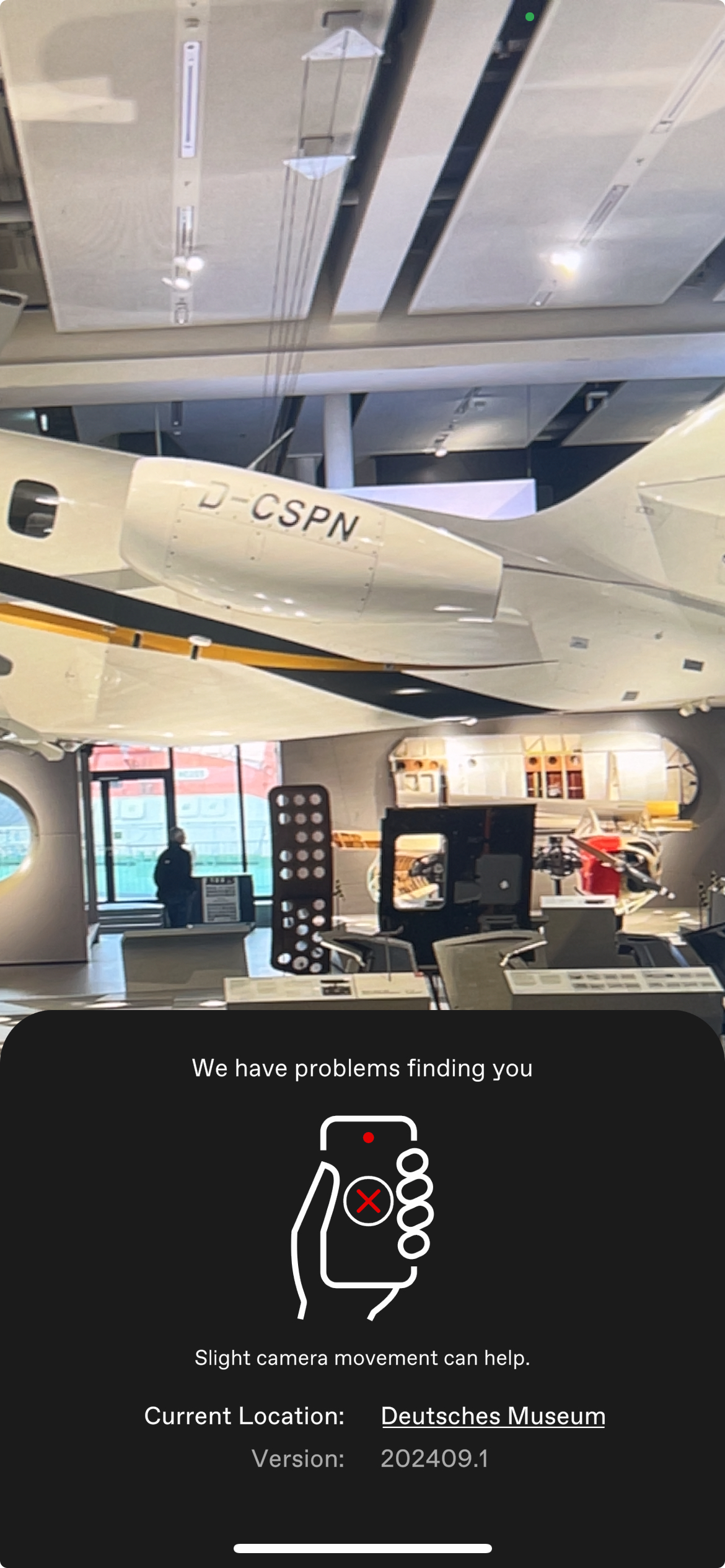
After a Location was selected, finding the position of the device for the first time is guided as it is the most important one to properly start the indoor navigation experience.
 |  |  |
|---|
Destination selection
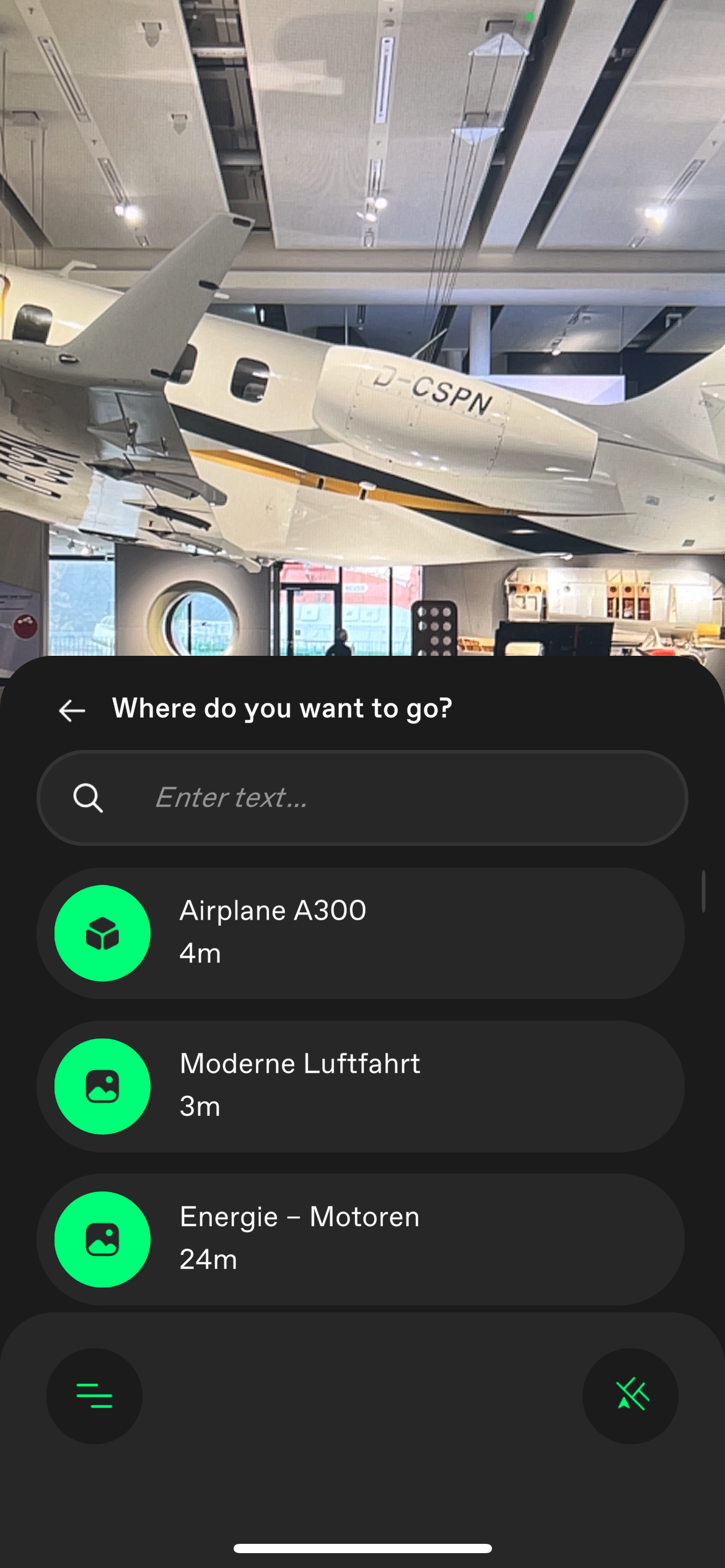
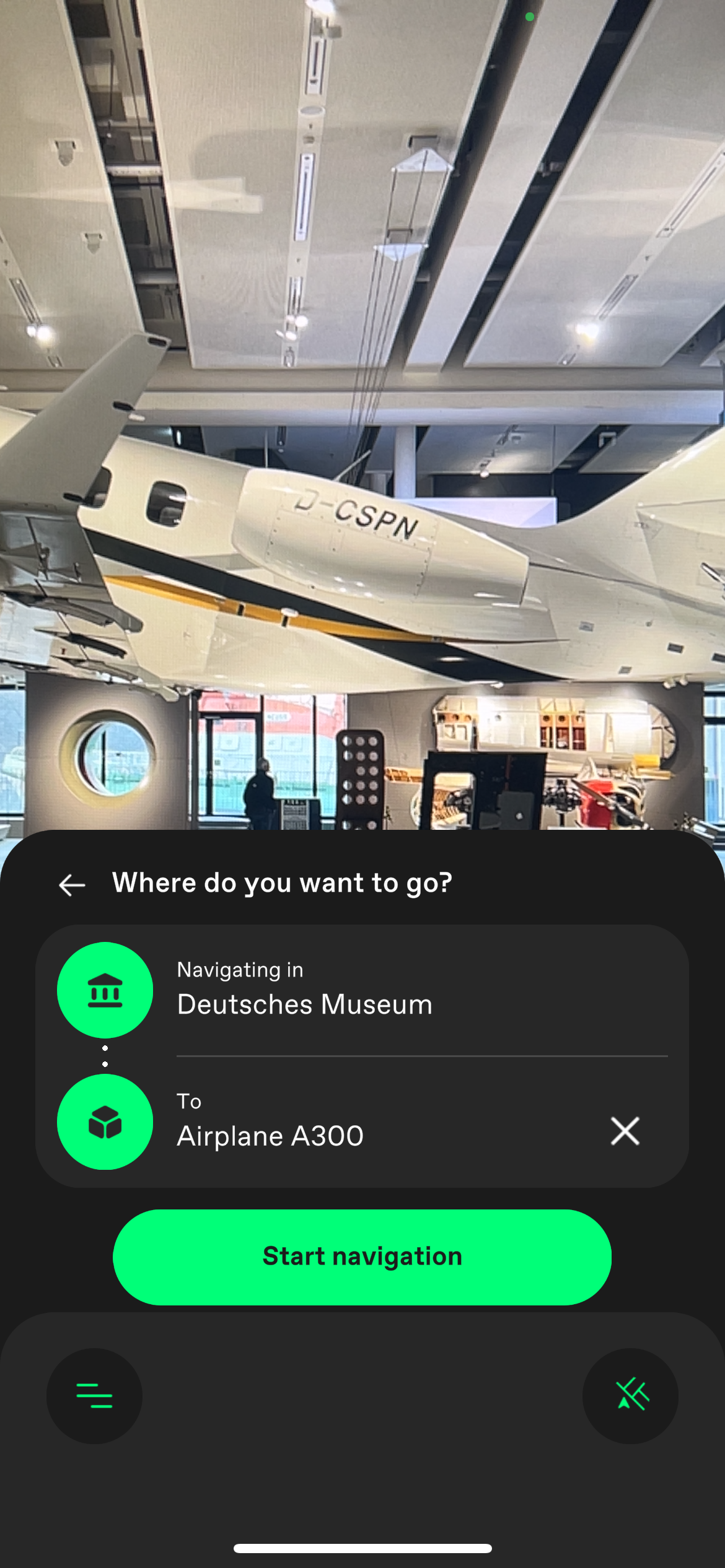
One the localisation was successful you can select a destination from a list.
One can either scroll through the list of destinations and select one or search for it using the Search bar.
 |  |
|---|
Navigation
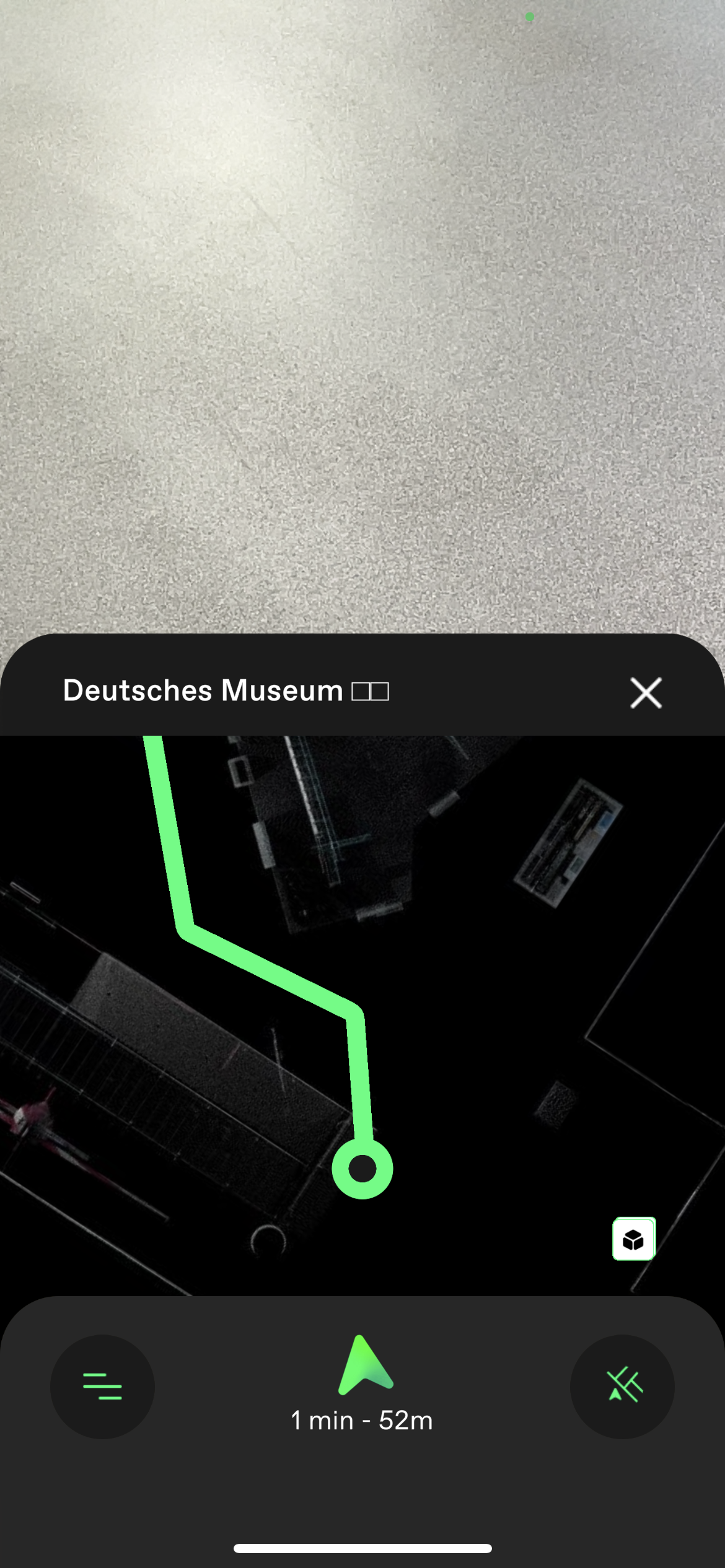
When a destination was selected, the navigation starts. Always the next waypoint of the route is displayed in AR. The arrow inside the waypoint is pointing to the next waypoint.
At the bottom of the screen the distance to the chosen destination in time and meters is displayed.
The minimap at the top allows the user to always see the current part of the map.
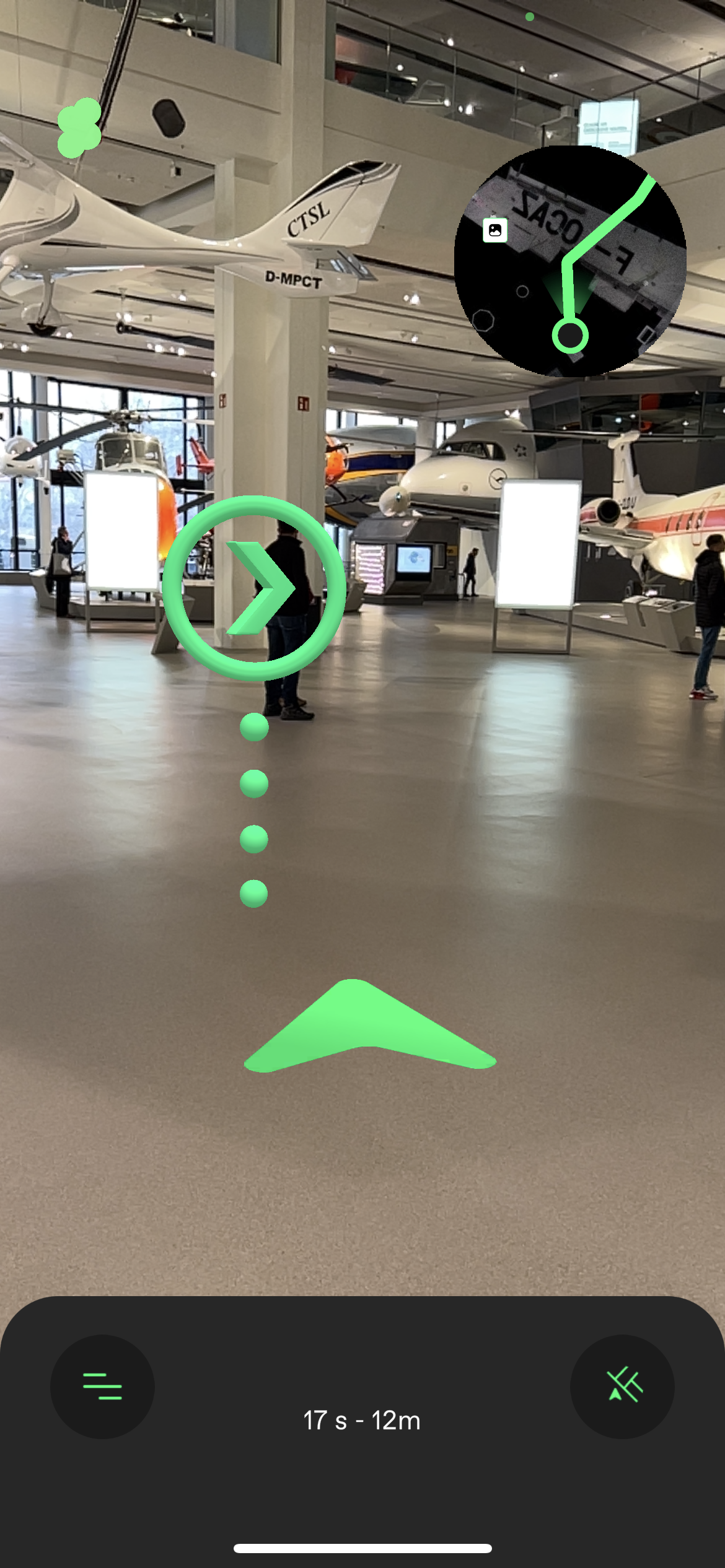
By clicking on the minimap or the button on the lower right the 2d map can be opened, as well as tilting the phone to a certain angle.
The 2D map can be zoomed, dragged and rotated by finger gestures and will be set back to default when opened the next time.
The map also shows icons of all the content available around me.
Navigation across multiple floors
If the Location consists of multiple floors they can be connected by stairs, elevators, escalators and doors.
There are two modes of switching floors.
1. UI based
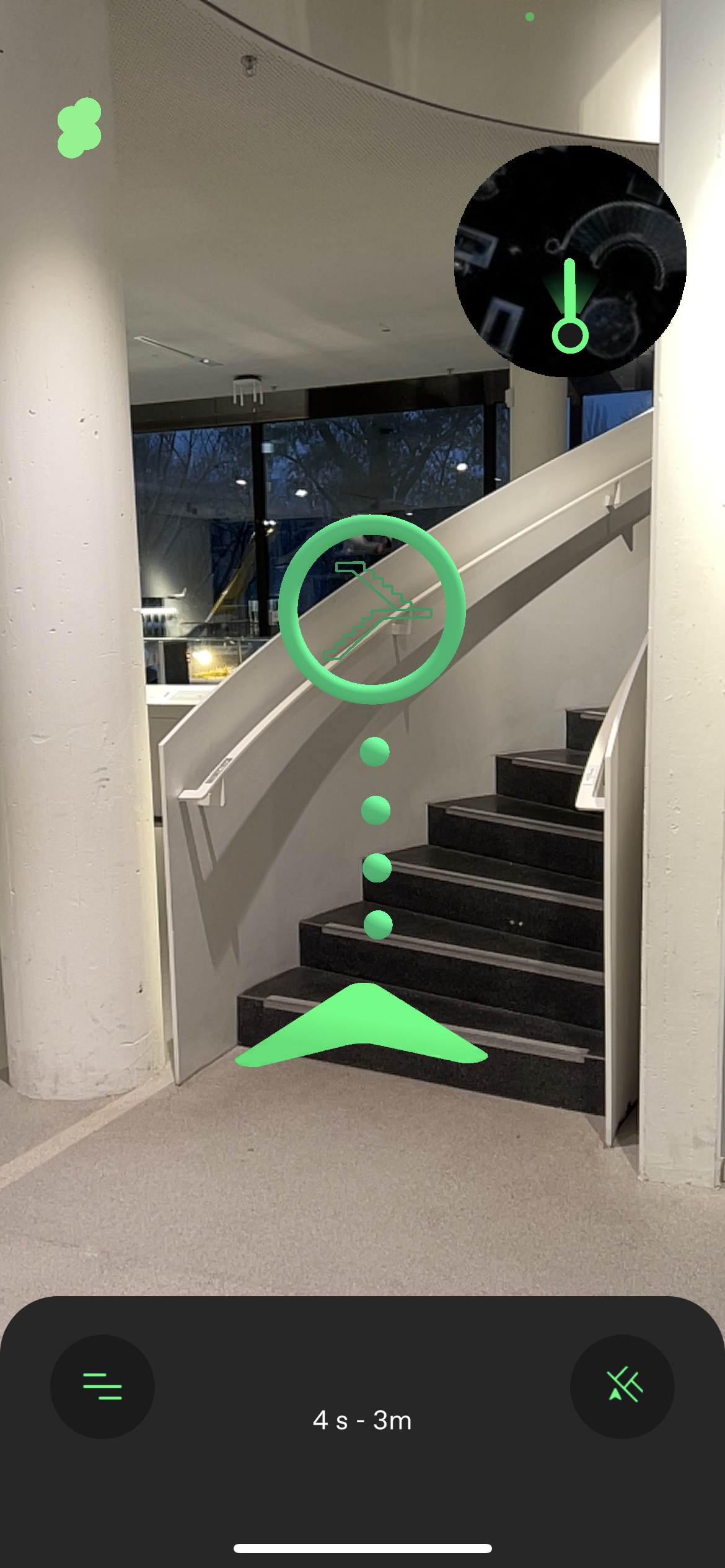
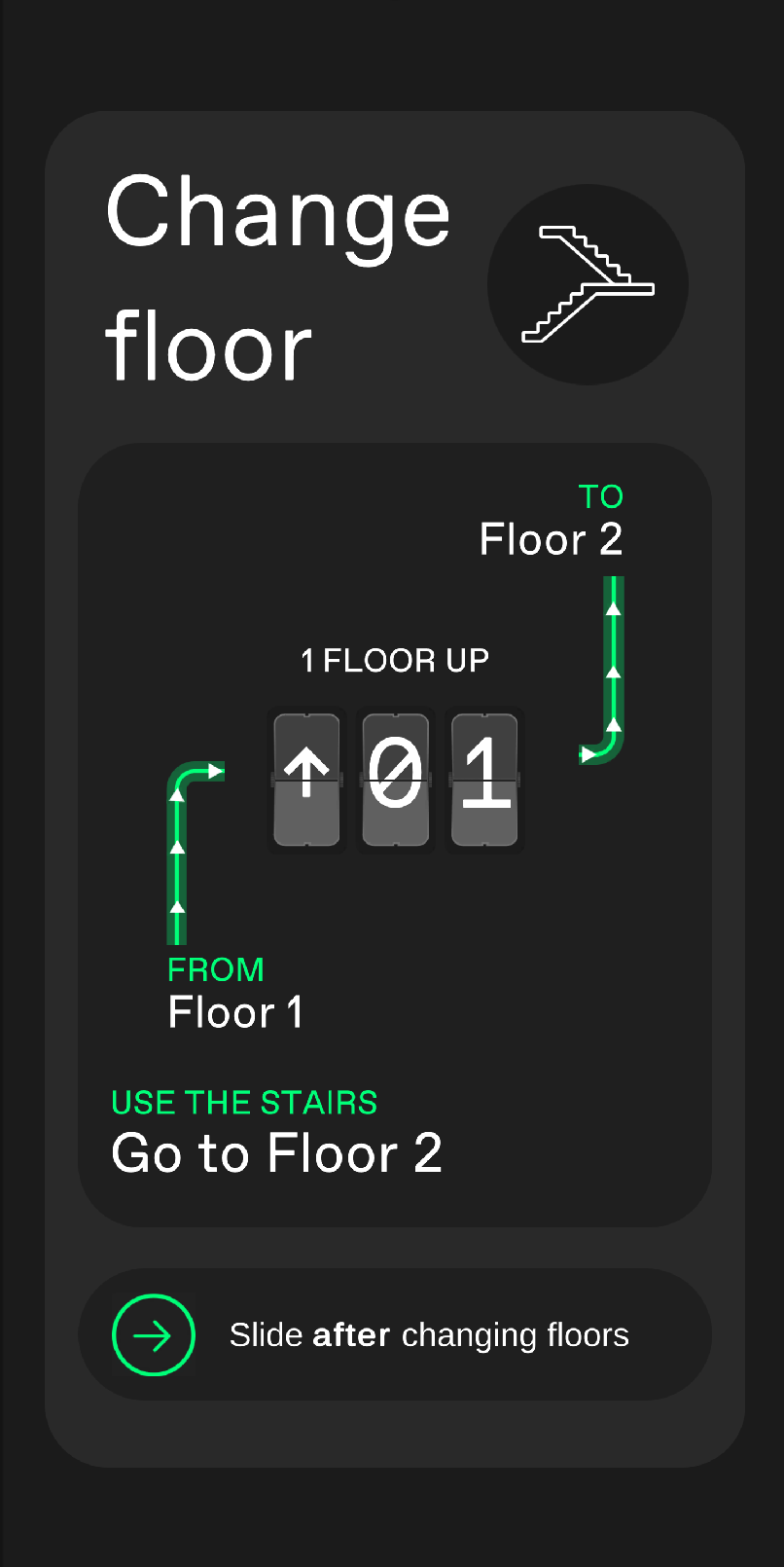
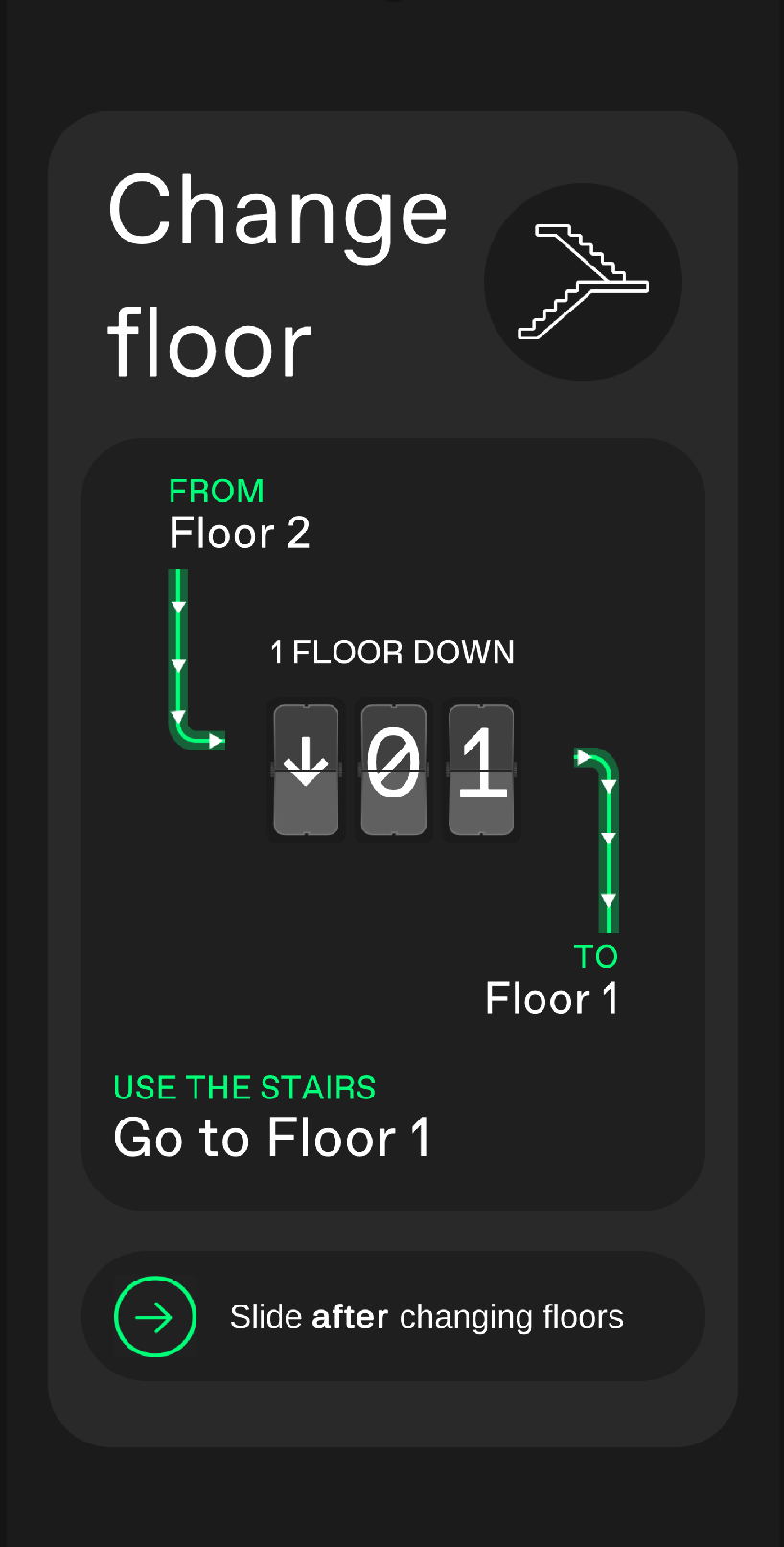
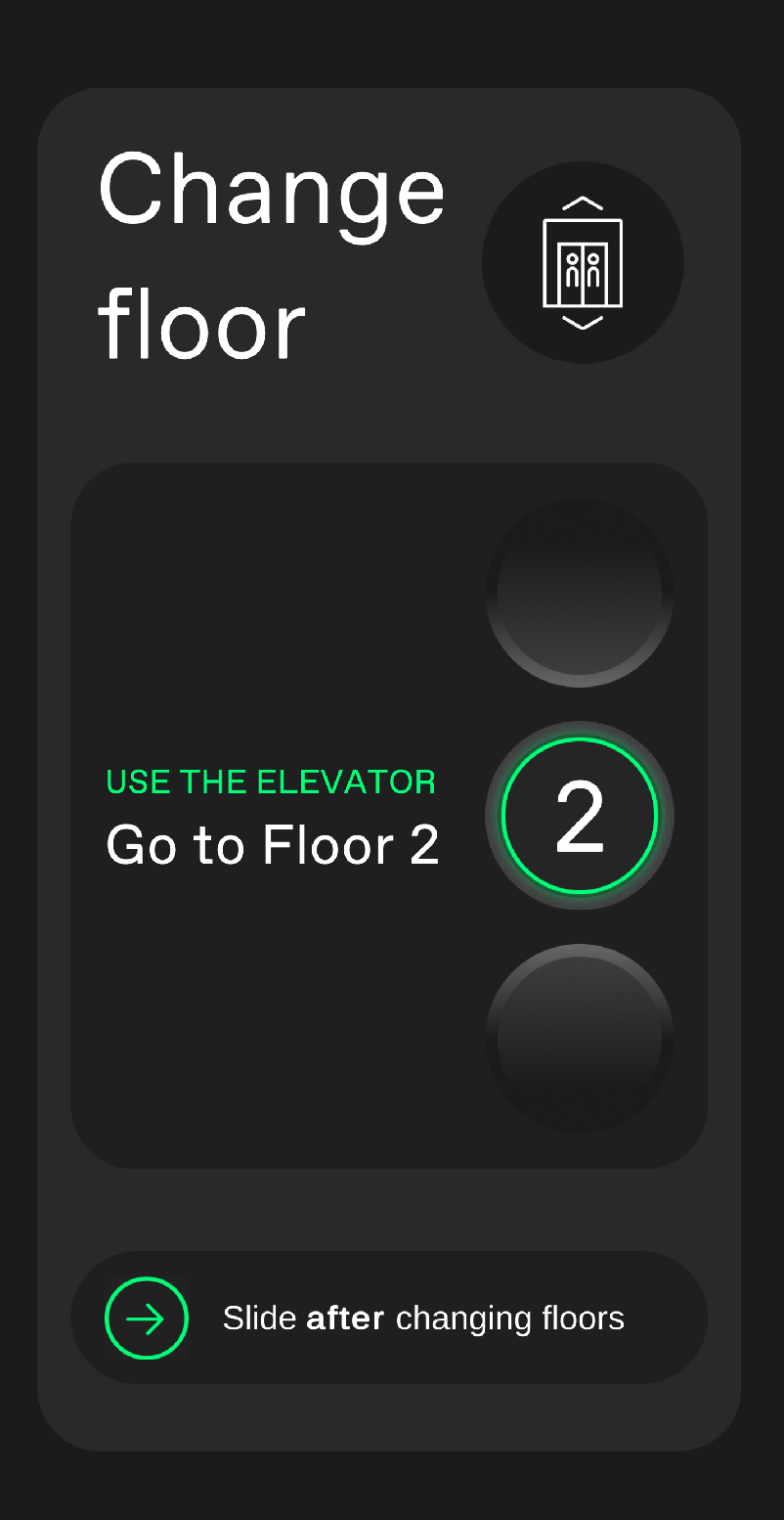
When reaching one of these “portals“ (meaning passage ways between floors) the app stops the tracking and tells the user what to do. After sliding at the bottom of the screen, the app finds again your position and resumes the previous navigation.
 |  |  |  |
|---|
This mode always works because the portal does not have to meet any requirements.
2. Continuous navigation
Here you are guided without any interruption. Switches between floors are indicated by a fade out / fade in of the line on the 2D map.
Destination reached
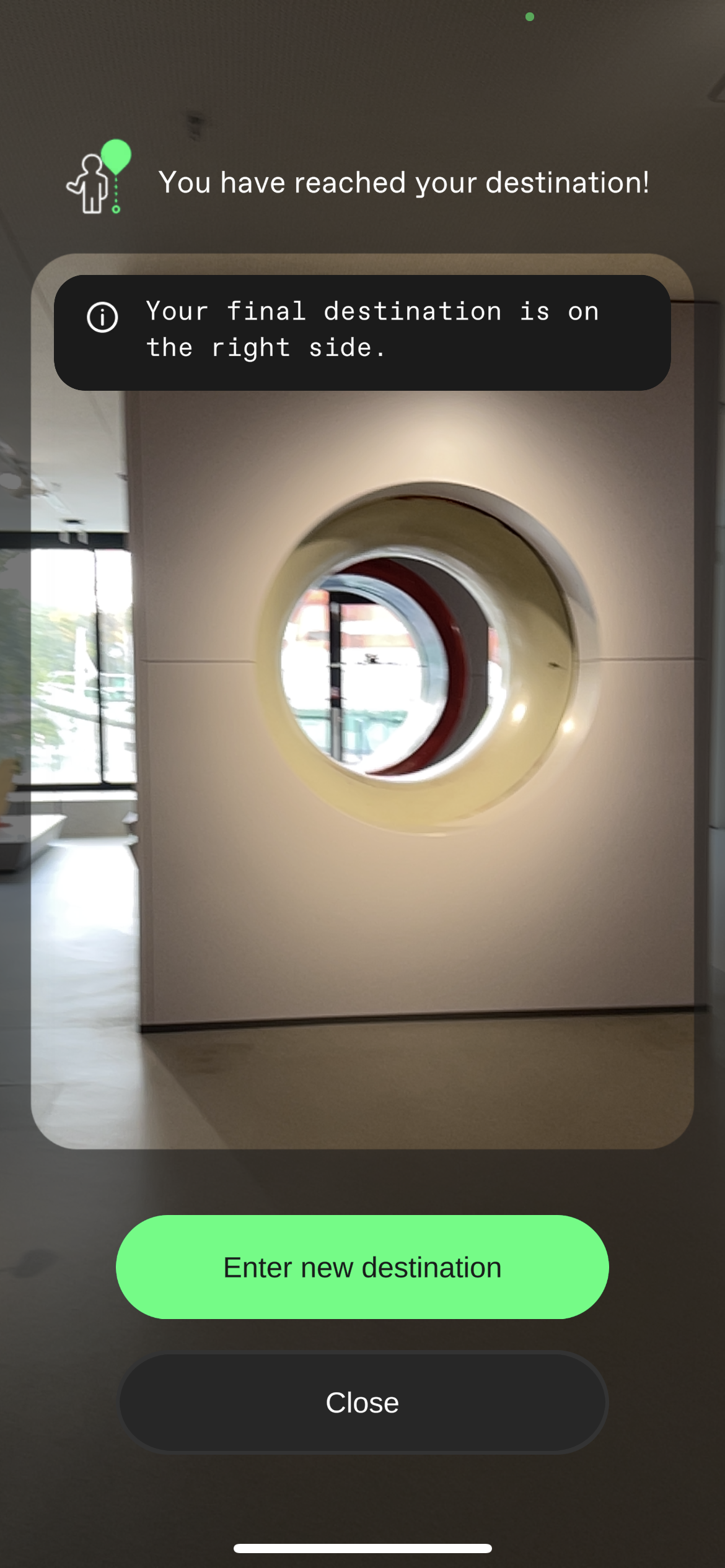
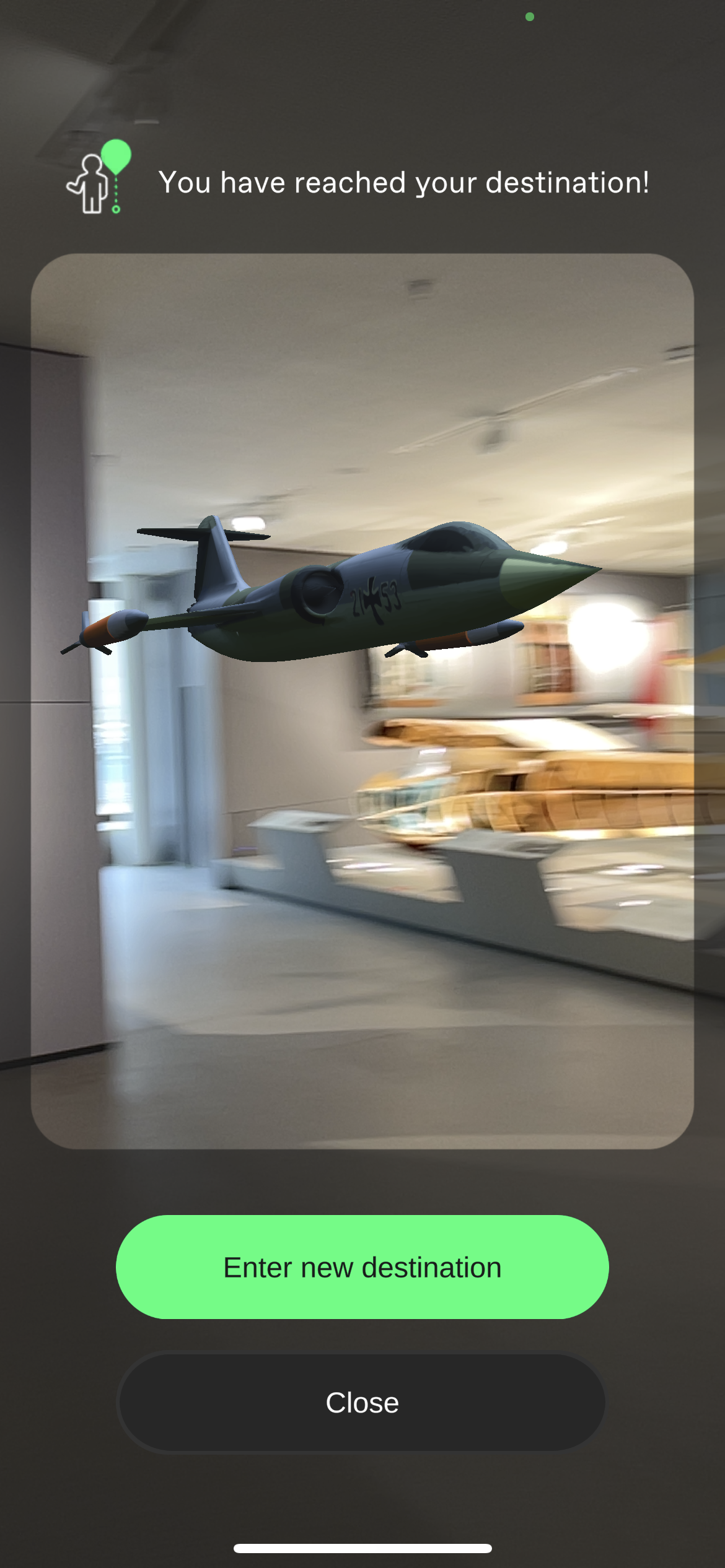
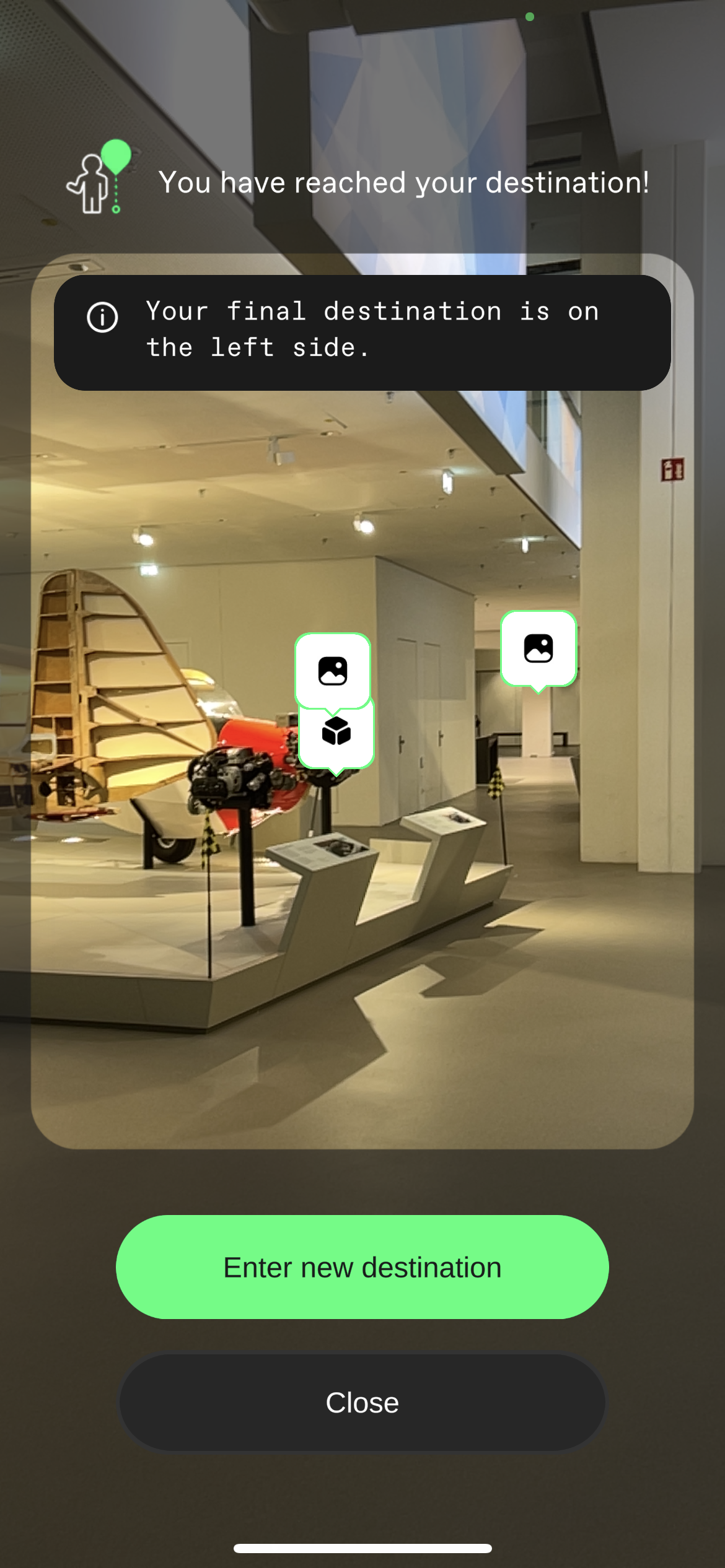
Upon reaching the destination a popup shows, as well as an AR indicator . It also indicates if you are close but looking in the wrong direction.
Here you can choose a new destination and thereby start a new navigation immediately or close it and keep exploring.
 |  |  |
|---|
Main menu
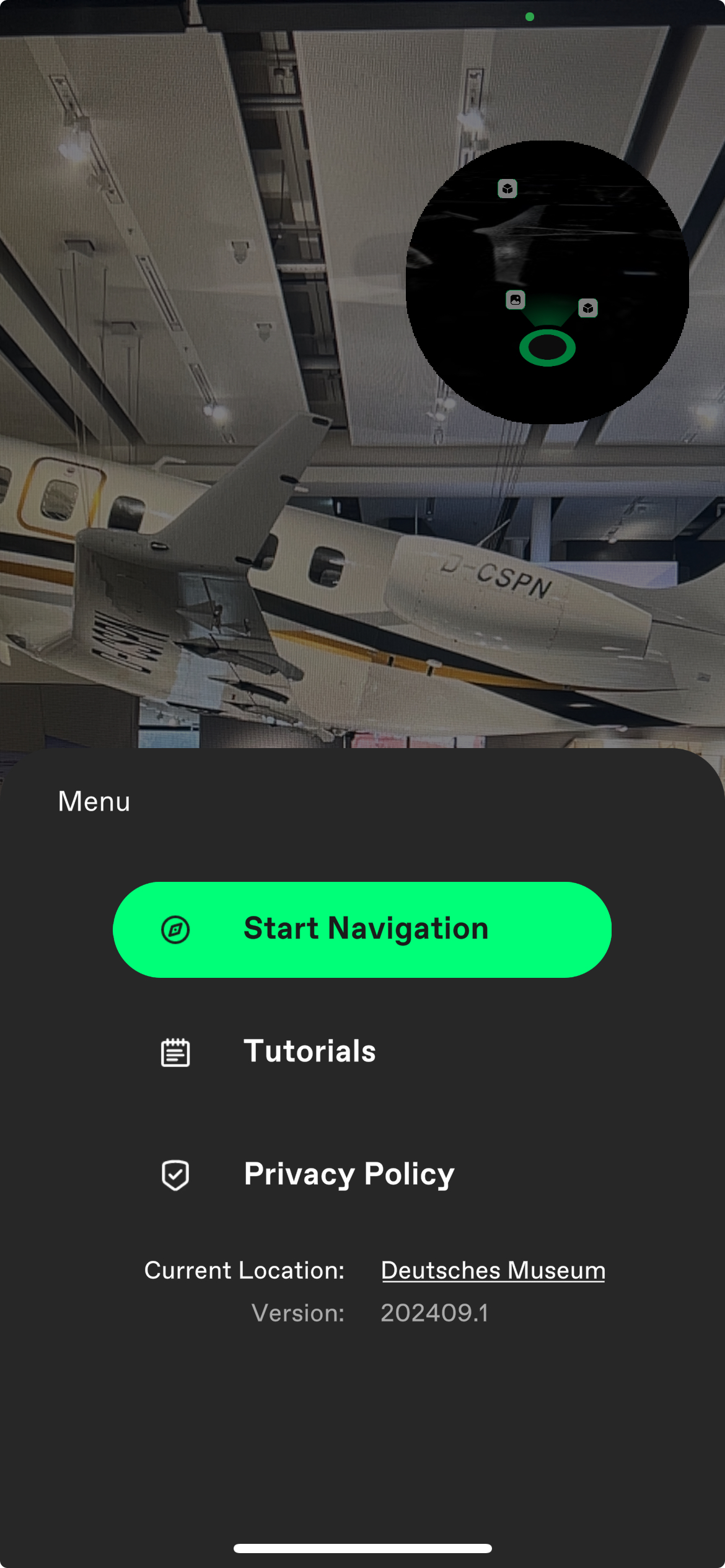
The main menu opens when clicking on the button on the bottom. It always contains the options to see the tutorial again and to go to the privacy policy.
From here you can also go back to the Location selection page or to reset the current Location by pressing the Location name and following the indications on the screen,
On this menu you will also see the version of the app you are using.
FAQ
How to install the app?
The aryve indoor navigation app can be installed from:
- The Google Playstore on Android at: https://play.google.com/store/apps/details?id=com.aryve.app&pcampaignid=web_share
- The Apple App Store on iOS at: https://apps.apple.com/de/app/aryve/id6742749006
What devices is the app available on?
The application runs on:
- Android: devices with Android 9 or above
- iOS: devices with a minimum of iOS 18, meaning iPhone XS or above and newer tablets